PrepBoxfor tutoring centres
Math program operating system

Teaching shouldn’t require a second shift.

When the last student leaves, the tutor’s second shift begins.

Reviewing today’s work. Finding what each student needs next. Building tomorrow’s lessons—one student at a time.

See what happens after class ↓ It doesn’t have to be this way.
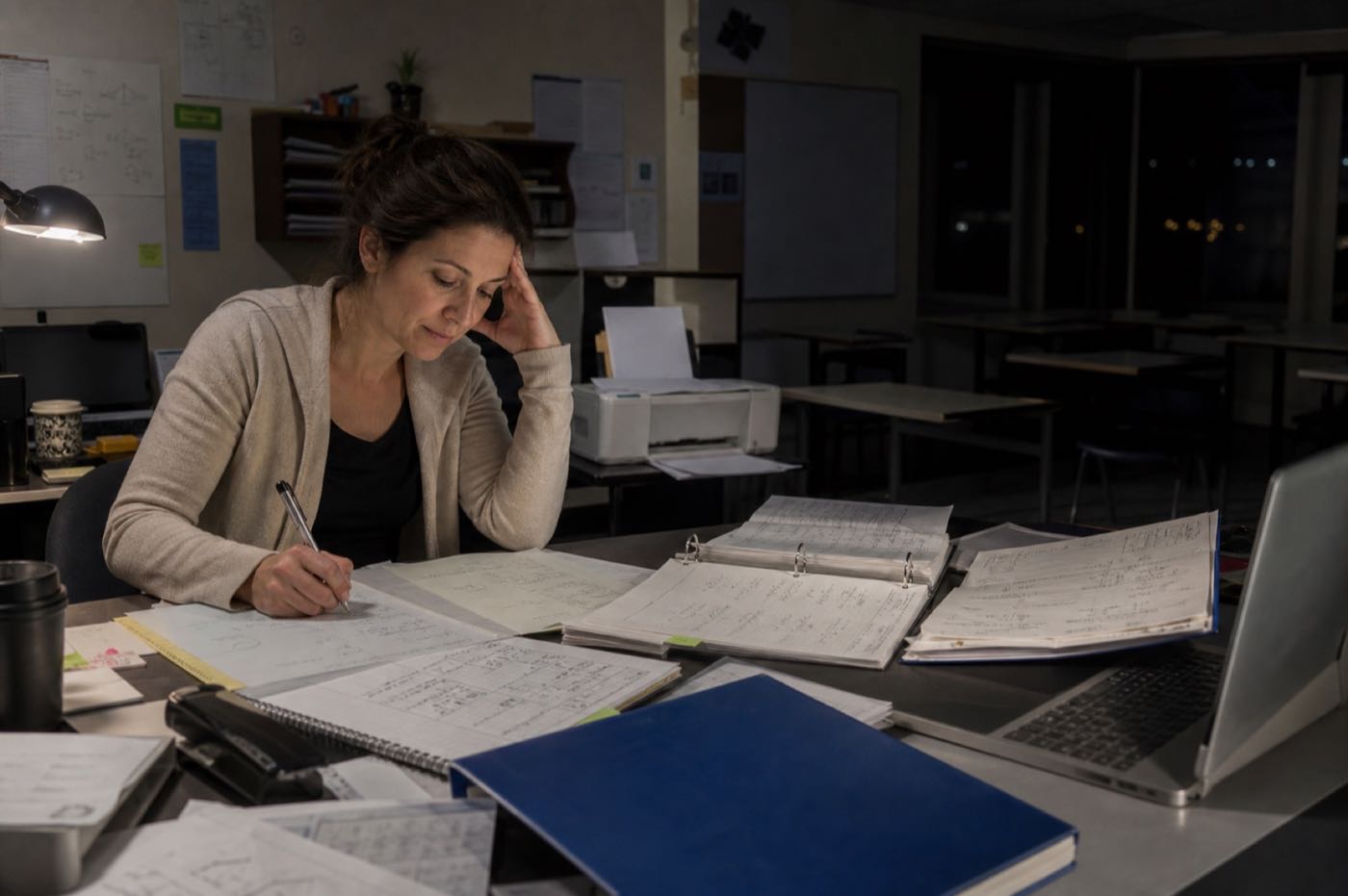
A committed tutor working alone after closing, surrounded by handwritten math work, curriculum binders and printed worksheets while preparing tomorrow's lessons
The old way · after closingTomorrow’s lessons are still being built.
Between sessions

The tutor leaves. PrepBox prepares.

When the tutor returns, every student’s next lesson, practice, and priority outline are ready to review—not rebuild.

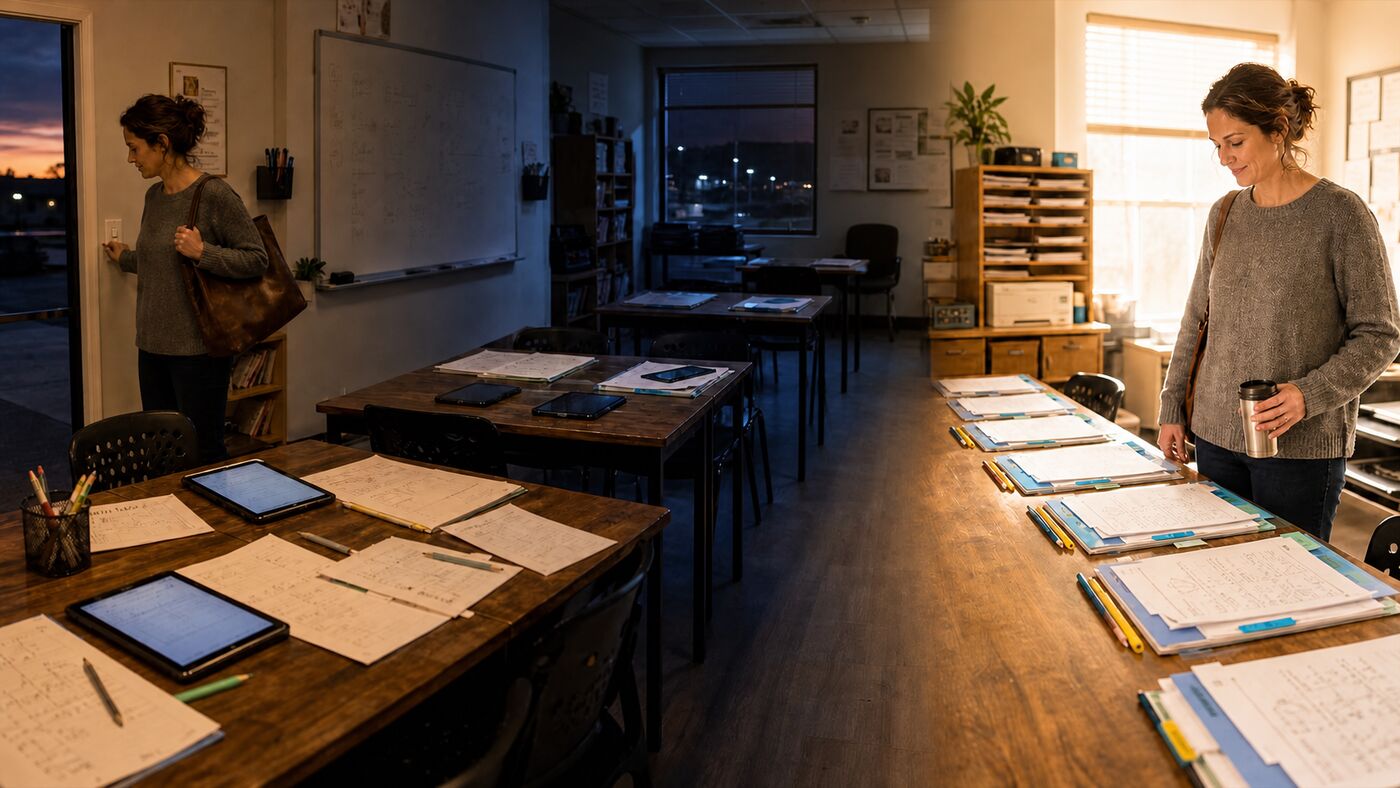
The same tutor leaving the centre after class, the centre working quietly overnight, and the tutor returning to individually prepared student lesson folders the next morning
After the last classTutor leaves Between sessionsPrepBox prepares Before the next classSessions are ready
Leave at closing. Return to prepared sessions.See how today’s work prepares tomorrow’s lesson ↓
Evenings back for tutorsMore consistent teachingEvery tutor supported

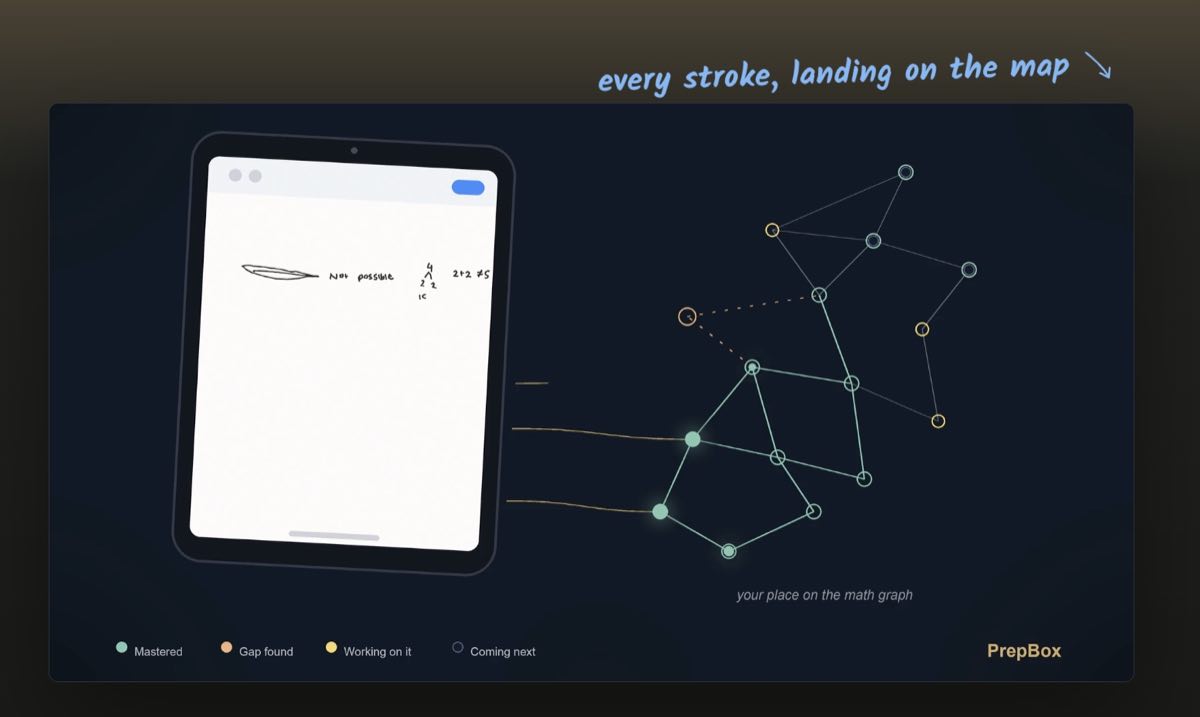
Her work updates her MathGraph. PrepBox prepares what comes next.

Every answer makes Emma’s priorities clearer. PrepBox uses that evidence to add the next educator-built lesson and vetted practice to her notebook for tutor review.

A PrepBox iPad with handwritten student math work connected directly to a personal MathGraph, showing mastered topics, a discovered gap, current work and what comes next
Your material can come with you

Your curriculum is the library. PrepBox does the preparation.

You can add and align your own material. But the real value is what happens after class: PrepBox reviews each student’s session work and prepares what they need next—the way a careful teacher would if they had time to plan separately for everyone.

The differenceOne centre standard. A separately prepared next step for every student.
Already run a math program?See how PrepBox keeps it continuous →
Your binder stays yours.The same curriculum is ready inside PrepBox.
After today’s sessionsPrepared separately
Emma W. · Grade 9Exponent foundations

Lesson · targeted practice · exit check

Ready for tutor review
Noah P. · Grade 8Slope from a table

Worked example · guided practice · check

Ready for tutor review
Maya L. · Grade 6Dividing fractions

Visual lesson · scaffolded practice · check
Ready for tutor review
Three students.Three different next lessons.
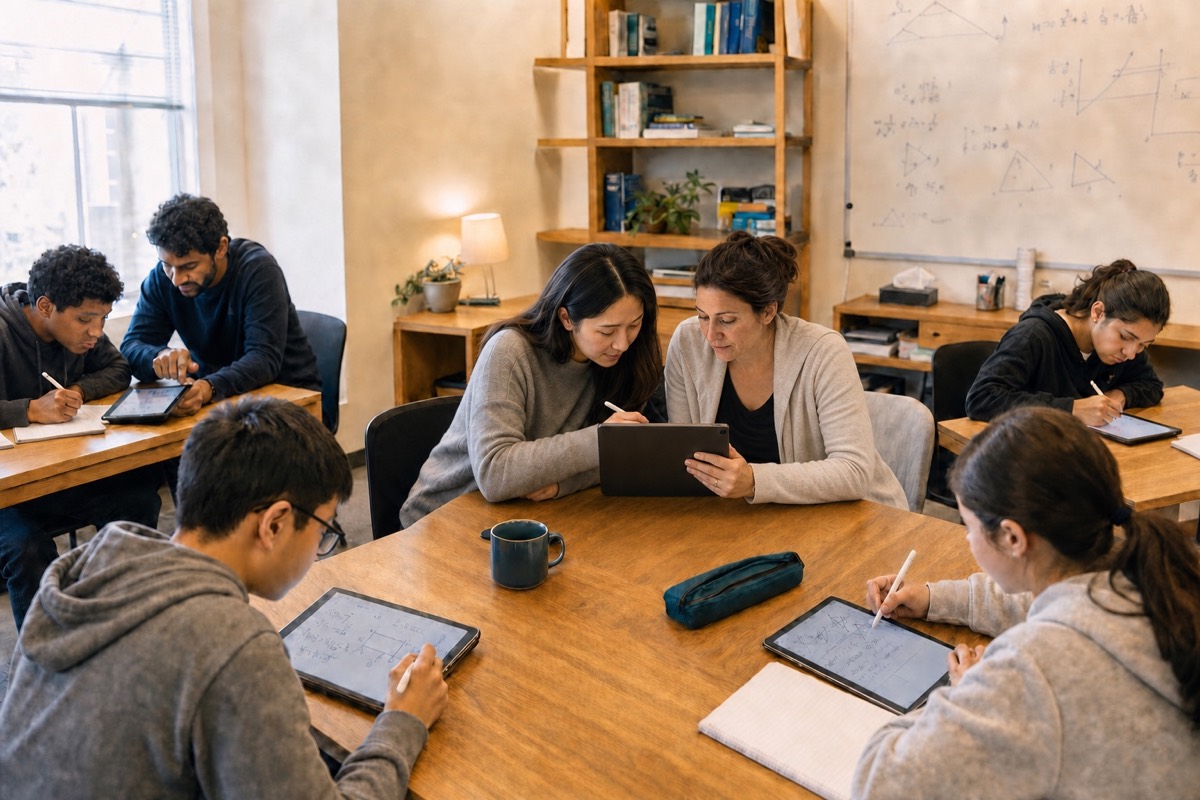
The recurring PrepBox tutor reviews one shared student record on an iPad with another tutor while students work nearby
One student · one continuous record
Tutor handoff

The next tutor doesn’t start over.

PrepBox keeps the student’s work, priority, lesson plan, and vetted material together. The next tutor can review the same picture and continue.

What carries forwardThe student stays known—even when the tutor changes.

Your centre should never be in the dark about a student.

When a student’s progress lives only in one tutor’s head and materials, the centre can’t see the full picture, hand it to the next tutor, or show parents what’s changing.
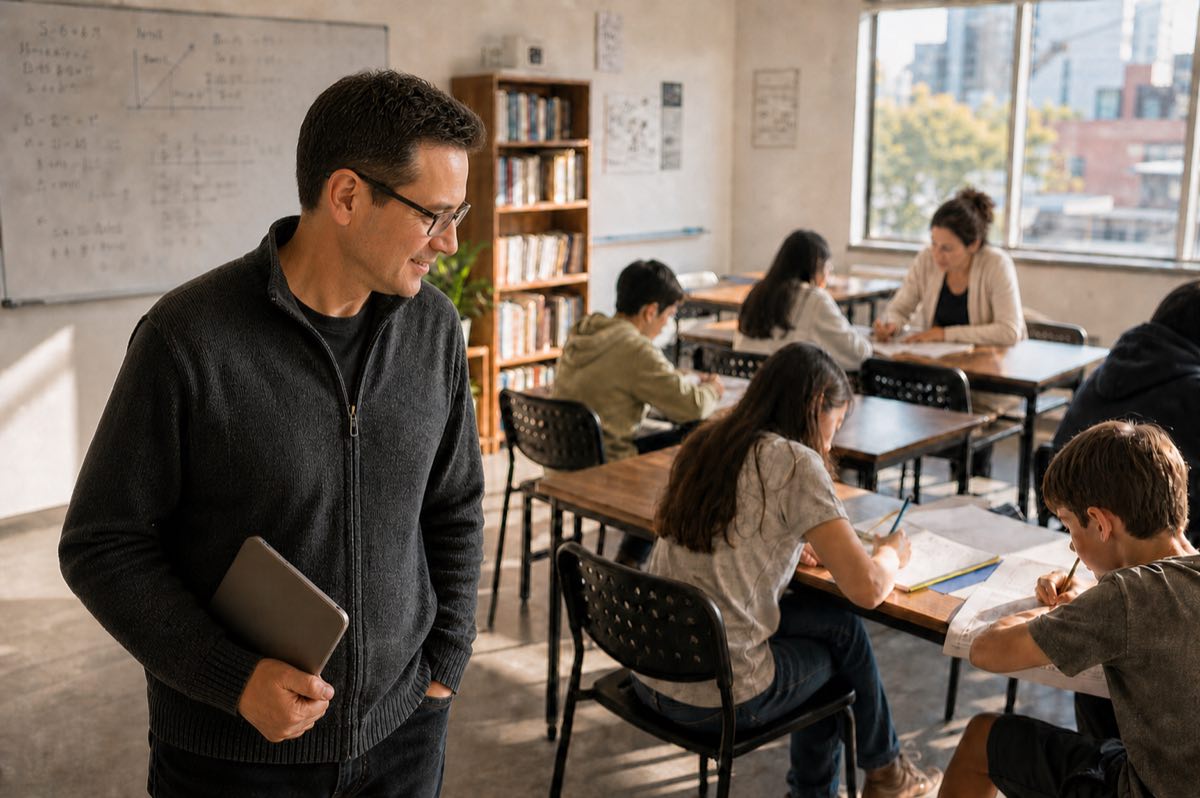
A tutoring-centre owner smiling as students work confidently with their tutors in a bright classroom
With every student visibleYou can see your students moving forward.
VisibilitySee progress while the student is learning—not days later.
ContinuityHand off the full picture—not a folder and a guess.
Parent trustShare progress with parents under your centre’s control.
The full PrepBox system

One Math program. Three connected views.

Students solve by hand on iPad. Tutors review priorities and prepared lessons on the web. Parents see the progress your centre chooses to share on iPhone.

One live student record
Teacher + centreWeb app

Review each student’s priority, lesson plan, and prepared material before class.

StudentiPad app

Solve naturally by hand. Each reviewed answer adds evidence to the MathGraph.

ParentiPhone app

See progress and what comes next—when the centre enables it.

The screen changes. The student record does not.Work → prepare → teach → share
Your tutors teach. The centre keeps the full picture.